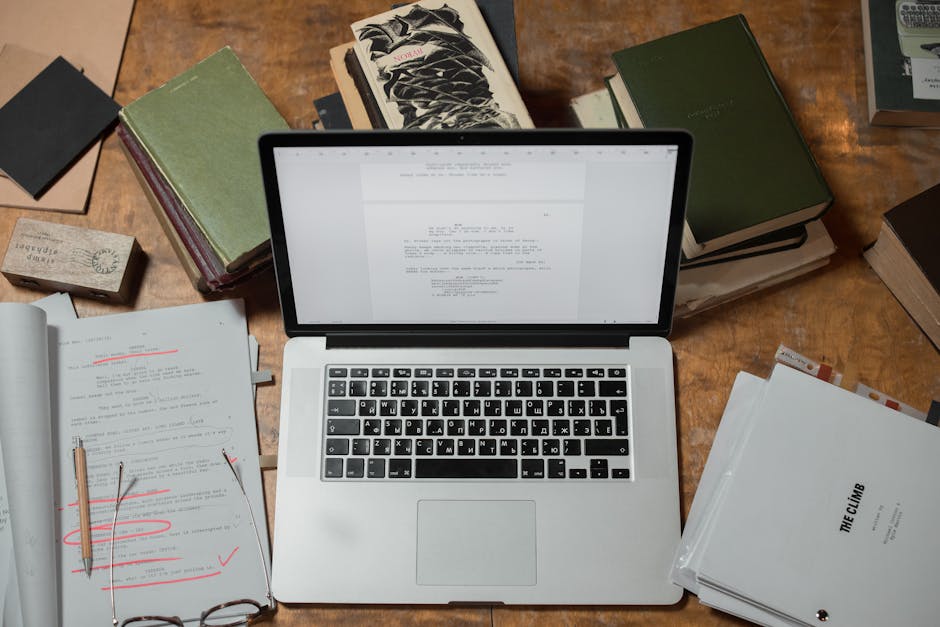

An ebook maker is software or online platform that lets you design, format, and publish digital books without needing advanced technical skills. Think of it as a bridge between your manuscript and a finished product that readers can download to their devices.
Most ebook makers handle the heavy lifting: they convert your text into multiple formats (like EPUB, PDF, and MOBI), apply professional styling, add images, and prepare your book for distribution to platforms like Amazon Kindle, Apple Books, or your own website.
If you are publishing digitally, understanding what an ebook maker does and whether you need one is the first step. Let us walk through this.
How Ebook Makers Work (The Basic Flow)
The workflow is straightforward:
- You upload your manuscript (usually as a Word doc, PDF, or plain text)
- The platform applies design templates or custom formatting
- You add cover art, metadata (title, author, description), and internal styling
- The tool converts everything into multiple file formats
- You download the files or push them directly to retail platforms
Some ebook makers are super simple. Free tools like Canva and Adobe Express offer drag-and-drop editors with pre-built templates, so you can literally click and type your way to a finished ebook in hours.
Others are more robust. They let you control fonts, margins, page breaks, interactive elements, and mobile responsiveness in detail. These are better if your ebook has complex layouts, sidebars, or special formatting needs.
Why Ebook Makers Matter for Modern Publishing
Five years ago, self-publishing meant hiring expensive designers or struggling with confusing software. Today, ebook makers have democratized the process.
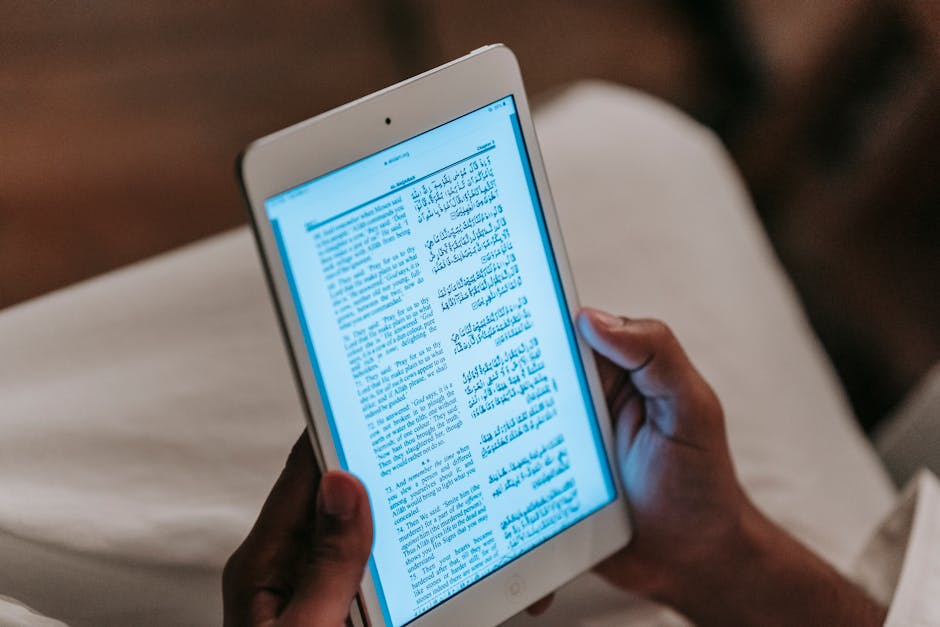
Mobile optimization is huge now. Most readers consume ebooks on phones and tablets, not just e-readers. Modern ebook makers automatically adapt your content so it looks clean on any screen size.
Distribution is also built in. Instead of manually uploading to five different platforms, many ebook makers integrate with Kindle, Apple Books, and other retailers. One click and your book is live across multiple channels.
For business authors and subject matter experts, this speed matters. You can publish thought leadership content, training materials, or lead magnets faster than traditional publishing allows.
Do You Need an Ebook Maker? (And What Type?)
That depends on three things: your budget, your design expectations, and the complexity of your content.
Go with a free online tool if: You have a simple manuscript (mostly text, minimal formatting), you want to launch fast, and you do not mind template-based designs. Canva and Adobe Express are genuinely good for this. They require zero design experience.
Choose a dedicated ebook platform if: Your book has multiple chapters, images, different section styles, or interactive elements. These platforms give you more control over typography, spacing, and file conversion accuracy.
Hire a professional service if: Your ebook is part of a serious publishing strategy. Business ebooks, educational content, and professional publications often benefit from expert formatting and copyediting. Xcel Graphic Services specializes in converting manuscripts into polished ebooks across multiple formats, handling everything from typesetting to final file preparation.

The honest take: many authors combine strategies. They use a free tool to test designs, then hire professionals to handle the final conversion and quality assurance.
Key Features to Look for in an Ebook Maker

Not all ebook makers are created equal. Here is what actually matters:
Format support. Make sure it exports to EPUB, PDF, and MOBI at minimum. EPUB is the standard for ereaders. PDF is crucial for print-on-demand and direct downloads. MOBI is the Kindle format (though Amazon is shifting toward KF8, a newer format).
Mobile preview. Can you see what your ebook looks like on a phone before publishing? This is non-negotiable. Mobile is where your readers are.
Typography control. Fonts, line spacing, paragraph indents, and heading styles matter more than most authors realize. Poor typography makes a book feel amateurish, even if the writing is excellent. Look for tools that give you real control here.
Cover design. Some ebook makers include cover templates. Others require you to upload a finished cover file. Decide what you need before you commit.
Metadata fields. You need places to add author bio, book description, keywords, ISBN (if applicable), and publication date. Retailers use this information heavily.
Revision workflow. Can you update your ebook after publishing? Most platforms say yes, but the process varies. Some make it seamless. Others are clunky.
Ebook Makers for Business Publishing
If you are publishing a business ebook (lead magnet, sales tool, employee training material), the stakes are different.
A simple template might work for a short guide or checklist. But longer ebooks benefit from professional copyediting and design. Readers have high expectations for business content. Typos, formatting inconsistencies, and sloppy layouts hurt credibility.
Related: eBook Design: Complete Guide to Professional Layout & Format
Related: What Is an Online Book Editor? A Complete Guide
Related: How to Print Your Book: A Complete Guide
Related: What Professional Book Editors Do: A Complete Guide
Many companies use a hybrid approach: they write internally or hire a ghostwriter, then work with professional ebook services to handle typesetting, proofreading, and format conversion. This keeps costs down while ensuring quality.
The result is a polished, professional ebook that reflects well on your brand and converts better. That matters when the ebook is a sales tool or lead generator.
Common Pitfalls to Avoid
You do not need to learn this the hard way. Here are mistakes people make:
Skipping proofreading. Just because the tool is easy to use does not mean your manuscript is ready. Typos and grammar errors still tank credibility. Have someone edit before you export.
Ignoring formatting standards. Ebook files have quirks. Fonts may not embed correctly. Images may not display on all devices. Line breaks may shift unexpectedly. Professional tools and services account for these. DIY tools sometimes do not.
Poor cover design. Your cover is your marketing tool. A blurry image or misaligned text hurts sales. Invest time here or hire someone who knows what they are doing.
Forgetting about metadata. Keywords, description, and author bio are invisible to you, but they drive discoverability on retail platforms. Fill them out properly.
Not testing on multiple devices. Your ebook might look perfect on your laptop but broken on a Kindle. Always preview on the actual devices your readers use.
Professional Ebook Services vs. DIY Tools
Here is when to hire help versus doing it yourself:
DIY tools win when you need speed, have a simple book, and your budget is tight. You can publish in days, not weeks. The learning curve is minimal. You maintain full control.
Professional services win when you need flawless formatting, multiple file types, expert copyediting, or your ebook is a critical business asset. The upfront cost is higher, but the result is professional-grade. You also get peace of mind knowing someone else caught formatting errors you might have missed.
Many authors start with a free or low-cost tool, then realize they need professional help before launch. Xcel Graphic Services works with authors at this exact stage. They handle the conversion, optimization, and quality checks so your ebook is ready for real readers.
What Happens After You Publish?
Your ebook maker job does not end at launch. Most platforms let you update files, fix typos, or tweak formatting after publishing.
Amazon's KDP platform, for example, allows unlimited revisions to your ebook. Apple Books also accepts updates. This flexibility is great. A typo you missed? You can fix it in minutes.
The downside is that updates take time to propagate across all retailers. Some platforms update instantly. Others take 24-48 hours. Plan accordingly if you find errors post-launch.
For business ebooks that serve as lead magnets or training materials, you might update them regularly as your product or service evolves. Choose a tool that makes revisions painless.
Getting Started: Your Next Step
Ready to pick an ebook maker?
Start by asking yourself: How complex is my content? How much time do I have? What is my budget? What formats do I need to publish in?
If your answers are simple/quick/free/basic, go with Canva or Adobe Express. You will have a finished ebook in a few hours.
If your ebook is a business asset, longer than 50 pages, or needs professional polish, consider working with a service that handles both design and technical conversion. Professional guidance on formatting, metadata, and distribution strategy pays for itself in better sales and reader experience.
People Also Ask
Can I use an ebook maker if I have no design experience?
Yes, absolutely. Free online tools like Canva and Adobe Express are designed for non-designers. They use drag-and-drop editors and pre-made templates. You just upload your text and images, choose a design, and the tool handles the rest. No design skills required.
What formats should my ebook be in?
At minimum, export as EPUB and PDF. EPUB is the standard format for ereaders like Kobo and Apple Books. PDF works everywhere and is great for direct downloads. If you are publishing on Kindle, Amazon will convert your file, but providing a clean source file matters. Some authors also create a web-optimized version for their website.
Related: Standard Book Sizes: Complete Guide for Publishers & Authors
Related: What Is Book Editing? A Complete Guide for Authors
Related: What Book Publishers Do: A Guide for Authors & Creators
Related: What Does a Book Editor Do? Complete Guide
Related: How to Publish a Book: Step-by-Step Guide for Authors
Do I need an ISBN for my ebook?
Not always. If you are self-publishing through Amazon KDP, Smashwords, or other platforms, they provide a unique identifier. An ISBN is optional. If you are selling your ebook independently across multiple retailers and want to track sales professionally, an ISBN is worth getting. It costs money and is managed through your country's ISBN authority.
How long does it take to create an ebook with a maker tool?
With a simple tool and a finished manuscript, you can have a working ebook in 2-4 hours. That includes uploading your text, choosing a design, adding a cover, filling in metadata, and exporting files. More complex books with custom formatting take longer. Professional services handle everything in days, depending on manuscript length and your revision requests.
Frequently Asked Questions
Can I use an ebook maker if I have no design experience?
Yes, absolutely. Free online tools like Canva and Adobe Express are designed for non-designers. They use drag-and-drop editors and pre-made templates. You just upload your text and images, choose a design, and the tool handles the rest. No design skills required.
What formats should my ebook be in?
At minimum, export as EPUB and PDF. EPUB is the standard format for ereaders like Kobo and Apple Books. PDF works everywhere and is great for direct downloads. If you are publishing on Kindle, Amazon will convert your file, but providing a clean source file matters. Some authors also create a web-optimized version for their website.
Do I need an ISBN for my ebook?
Not always. If you are self-publishing through Amazon KDP, Smashwords, or other platforms, they provide a unique identifier. An ISBN is optional. If you are selling your ebook independently across multiple retailers and want to track sales professionally, an ISBN is worth getting. It costs money and is managed through your country's ISBN authority.
How long does it take to create an ebook with a maker tool?
With a simple tool and a finished manuscript, you can have a working ebook in 2-4 hours. That includes uploading your text, choosing a design, adding a cover, filling in metadata, and exporting files. More complex books with custom formatting take longer. Professional services handle everything in days, depending on manuscript length and your revision requests.