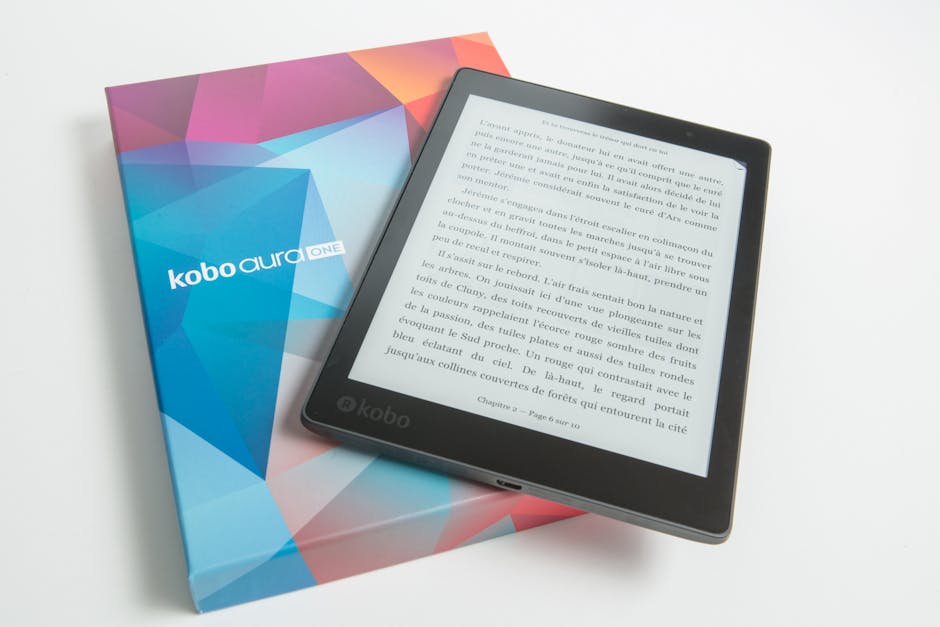

When you're ready to turn your ebook into a printed book, you have more options than ever. The gap between digital and print has shrunk dramatically, and professional ebook printing is now faster, cheaper, and more accessible than it was five years ago. Let's walk through what you need to know to print your ebook the right way.
What Ebook Print Actually Means
Ebook print isn't just hitting a button on your home printer. It's the process of converting a digital manuscript (usually a PDF or Word document) into a professionally formatted, bound physical book. This involves proper typesetting, color management, binding options, and delivery logistics.
Related: What Are eBook Services? A Guide to Digital Publishing
Related: What Is an Ebook Editor and Why You Need One
Related: What Does a Professional Proofreader Check
The real difference between amateur printing and professional ebook print is in the details. Font rendering matters. Page breaks matter. Image resolution matters. When you're printing at scale or for a business audience, these details separate a book that looks polished from one that looks DIY.
Print-on-Demand Services for Rapid Ebook Printing
Print-on-demand (POD) technology has changed the game. Instead of printing 500 or 1,000 copies upfront, you can print as few as one copy at a time. Most POD platforms can deliver printed copies in as little as one day with instant quoting, which means you know your costs before you commit.
The workflow is simple. You upload your formatted PDF, select your binding style (paperback, hardcover, or spiral), choose your delivery region (US, UK, Canada), and place your order in a few clicks. The platform handles printing, binding, and shipping automatically. No inventory. No warehouse. No guessing.
This approach works especially well for B2B professionals who need printed copies for client meetings, conferences, or giveaways. A business ebook doesn't always need mass production. Sometimes you need 50 copies next week, not 5,000 copies next month.
Choosing Between In-House and Professional Printing
If you own a laser printer, you can technically print ebooks in-house. Laser technology is reliable and produces sharp, consistent output on both text and graphics. The setup is straightforward: load paper, print, bind if needed.
But here's the catch. If you're using an inkjet printer, professional services are strongly recommended. Inkjet technology is slower, less reliable at volume, and more prone to color inconsistency. If you're printing more than a handful of copies, or if quality matters (and for B2B materials, it always does), outsourcing to a POD service or print partner saves time and headaches.
The cost math usually favors professional services anyway. When you factor in your time, ink costs, paper waste, and binding materials, a POD service often costs less than printing in-house. Plus, you get better quality and zero operational overhead.
Related: Professional Publishing Services for First-Time Authors: Everything You Need to Know
Related: What Professional Book Editors Do: A Complete Guide
Related: What Is an Ebook Maker? Complete Guide for Authors
Why Professional Content Development Matters for Ebook Success

Here's something people often overlook: great ebook printing starts with great content. The best printing technology in the world can't fix a weak manuscript.
If you're writing an ebook to establish authority in your field, partner with professional writers early. Subject matter experts are credible, but they're not always great writers. A professional writer can structure your ideas, improve clarity, and polish your voice without stealing your authority. The result is an ebook that positions you as both knowledgeable and articulate.
The market for B2B ebooks is competitive. Business ebooks perform best when they're written by recognized field experts and backed by real insight, not generic information you could find anywhere. Xcel Graphic Services helps bridge that gap by handling the editorial refinement and production side, so your expertise shines through in the final printed product.

Focus on quality over volume. One well-written, in-demand ebook beats three mediocre ones every time.
The Printing Technology You Should Understand
Most modern POD services use digital printing technology that rivals offset printing for small to medium runs. Digital presses can handle variable data (personalized covers, different versions), adjust color on the fly, and deliver consistent quality across large batches.
For black-and-white business ebooks, this is overkill in the best way possible. You get crisp text, reliable page breaks, and professional binding for a price that makes sense. Color ebooks cost more but are still affordable at POD volumes.
One practical detail: make sure your PDF is properly formatted before you upload. This means correct margin sizes, bleed settings (if you have images that extend to the edge), and color profile compliance. Poor formatting won't stop the print, but it might result in unexpected cropping or color shifts. Getting this right upfront saves you from reprinting batches.
Market Realities for Self-Published and Professional Ebooks
The self-publishing market is growing, and with it, the competition for reader attention. Success isn't just about printing your ebook. It's about understanding your market, knowing who you're selling to, and having a distribution strategy beyond "I'll print some copies."
For B2B professionals, this is less about mass-market appeal and more about precision. Your ebook should target a specific problem for a specific audience. A business consultant's ebook on remote team productivity has a clearer path to credibility than a generic productivity guide.
Professional positioning matters. If your ebook looks amateur, readers assume your work is amateur. Good printing is table stakes. Copyediting, proper indexing, and careful layout matter even more. When you're trying to establish authority in your field, working with specialized publishing partners that handle typesetting, proofreading, and format conversion ensures your ebook stands up to professional scrutiny.
Related: Professional Book Editing Services: What to Know
Related: eBook Design: Complete Guide to Professional Layout & Format
From Digital File to Printed Book: The Workflow

Here's a simplified version of the process. Start with your final manuscript (Word, Google Docs, or similar). Get it edited and proofread. Have it typeset and formatted to specification (trim size, margins, font choices). Export as a print-ready PDF. Upload to your POD platform. Review a proof copy before ordering full quantity. Place your print order.
This workflow takes time, but it prevents mistakes. Printing is permanent. A typo on page 50 exists in every copy you print. A formatting error that breaks your chapter headings shows up in your hands before your readers see it.
The good news: professional services like Xcel Graphic Services handle most of these steps. Typesetting, proofreading, PDF export, and eBook conversion are their core strengths. You focus on content and strategy. They handle the technical production.
Cost and Timeline Expectations
POD printing is typically cost-effective for small batches. Your per-unit cost depends on page count, color, and binding, and paperbacks cost less than hardcovers. When you order 50 copies, you're looking at days, not weeks. When you order 500, you might pay slightly less per unit but still get delivery in one to two weeks.
Timeline varies by service and region. US delivery is fastest. International shipping adds time and cost. Plan accordingly if you're printing for an event or deadline.
Practical Takeaway for B2B Professionals
If you're a business professional or consultant printing ebooks, use a POD service to keep costs low and flexibility high. Invest in professional writing, editing, and typesetting support to ensure your ebook looks and reads like the expert work it is. This combination positions you credibly while keeping production simple.
Your ebook is a reflection of your expertise. Print it that way.
What's the difference between ebook print and standard book printing?
Ebook print typically refers to converting digital files into physical printed books through print-on-demand technology. Standard book printing often implies offset printing for larger quantities. POD is faster, more flexible, and better for small runs. Offset makes sense when you're printing thousands of copies and need the lowest per-unit cost.
Can I print my ebook at home?
Technically yes, if you have a laser printer and the patience to bind copies manually. But for quality results, especially if you're printing more than a few copies, a professional POD service is faster and often cheaper when you factor in your time and materials.
How do I format my ebook for printing?
You need a print-ready PDF with proper margins, bleed settings, and color profiles. Most POD platforms provide formatting guidelines. If you're not comfortable with design software, professional typesetting services ensure your PDF is production-ready and catches formatting issues before printing.
Is ebook print suitable for business materials?
Absolutely. POD is perfect for business ebooks, white papers, case studies, and training materials. Print a small quantity, test the market, print more if demand is there. No risk of overprinting or inventory waste.
Frequently Asked Questions
What's the difference between ebook print and standard book printing?
Ebook print typically refers to converting digital files into physical printed books through print-on-demand technology. Standard book printing often implies offset printing for larger quantities. POD is faster, more flexible, and better for small runs. Offset makes sense when you're printing thousands of copies and need the lowest per-unit cost.
Can I print my ebook at home?
Technically yes, if you have a laser printer and the patience to bind copies manually. But for quality results, especially if you're printing more than a few copies, a professional POD service is faster and often cheaper when you factor in your time and materials.
How do I format my ebook for printing?
You need a print-ready PDF with proper margins, bleed settings, and color profiles. Most POD platforms provide formatting guidelines. If you're not comfortable with design software, professional typesetting services ensure your PDF is production-ready and catches formatting issues before printing.
Is ebook print suitable for business materials?
Absolutely. POD is perfect for business ebooks, white papers, case studies, and training materials. Print a small quantity, test the market, print more if demand is there. No risk of overprinting or inventory waste.