Publishing your own book means you stay in control. You own your work, make all the decisions, and keep the profits. No agent, no publisher gatekeeping your ideas. Just you, your manuscript, and a clear path to getting it into readers' hands.
The process isn't complicated if you break it into stages. Most self-published authors follow the same basic workflow: prepare your manuscript, get it professionally edited and polished, format it for print or digital, and then distribute it. Each step matters, and skipping any of them usually costs you readers.
Related: How to Publish a Book: Step-by-Step Guide for Authors
Related: How to Make an eBook: A Step-by-Step Guide
Let's walk through exactly how to do this, from your first draft to publication day.
Step 1: Finish and Prepare Your Manuscript
You can't publish until you're actually done writing. That sounds obvious, but plenty of authors rush this part. Give yourself time to write the complete draft, then set it aside for a few weeks. When you come back to it, you'll spot gaps and weak spots you missed before.
Once your manuscript is complete, save it as a clean Word document or PDF. Use a standard font like Times New Roman or Arial. Number your pages. Remove any weird formatting, extra spaces, or tabs that will cause headaches later during layout and design.
Your manuscript file needs to be clean and organized before it moves forward. Think of it like priming a wall before you paint it—the prep work makes everything that comes next smoother.
Step 2: Hire a Professional Editor
This is the step that separates published books from rejected manuscripts. A professional editor catches problems you can't see in your own work because you're too close to it.
You have a few editing options depending on your budget and your manuscript's condition:
- Developmental editing focuses on story structure, pacing, and overall flow. Use this if your manuscript needs major rewrites.
- Line editing polishes your prose, fixes awkward sentences, and improves readability without changing your core story.
- Copyediting catches grammar, punctuation, consistency, and style errors. Most self-published books need this.
- Proofreading is the final check before printing—it catches typos and formatting mistakes that everyone else missed.
Many authors hire an editor for copyediting and then a separate proofreader for that final pass. The combination catches almost everything.
If you're uncertain which level of editing your book needs, start with Xcel Graphic Services, which can review your manuscript and recommend the right editorial path for your specific project.
Step 3: Design Your Book's Interior
Your book's interior layout affects readability and professionalism. Readers notice bad typesetting immediately, even if they can't explain why the book feels "off."
Interior design includes choosing fonts, setting margins, handling chapter breaks, and placing page numbers. Different genres have different conventions. A memoir looks different from a sci-fi novel, which looks different from a business book.
You have two choices here: learn layout software yourself, or hire a professional. Learning takes months. Hiring a professional typesetter takes days or weeks and produces a book that looks polished from page one.
This is also where you decide on trim size (the physical dimensions of your book) and whether you're printing in black and white or color. These choices affect your final production cost.
Step 4: Create Your Front and Back Matter

Every book needs certain pages that readers expect to see:
- Title page (your book's name and your name)
- Copyright page (copyright date, ISBN, publisher info)
- Table of contents (if your book has chapters)
- Author bio (back cover or end of book)
- Dedication and acknowledgments (optional but nice)
Your back cover needs a compelling book description (your pitch to potential readers), author bio, and cover image. This is prime real estate for convincing someone to buy your book.
Don't skimp on this section. It's the last thing someone sees before deciding whether to purchase.
Step 5: Format for Print and Digital
Here's where many self-published authors stumble. Print books and ebooks need different file formats.
For print, you typically need a PDF that meets specific technical requirements: correct color mode, embedded fonts, proper bleeding (extra space around the edges for trimming), and the right resolution.
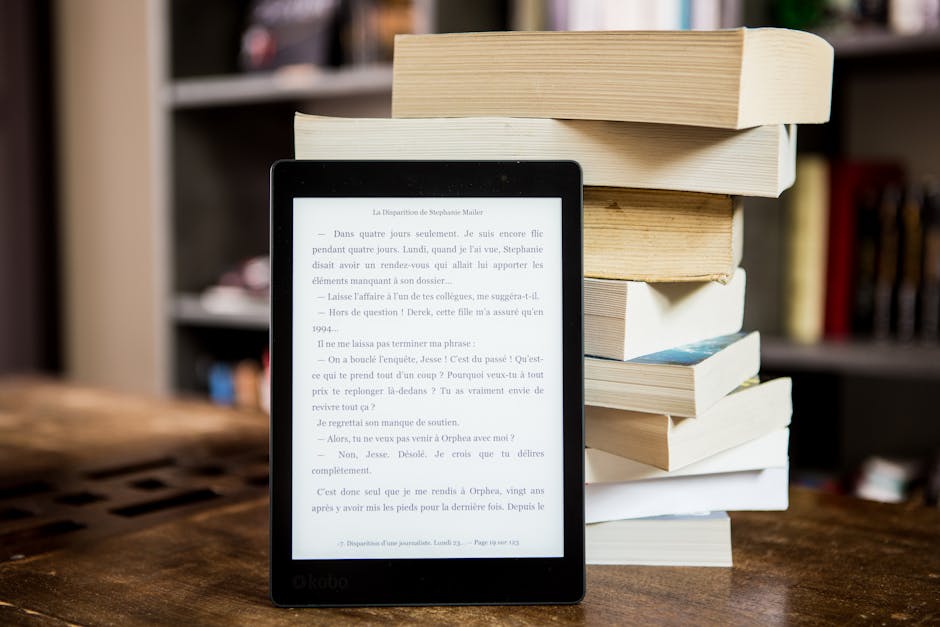
For ebook distribution, you need files in formats like EPUB or MOBI. These are reflowable, meaning the text adjusts to whatever screen size the reader is using. A phone screen shows fewer words per page than a tablet, so your ebook needs to adapt automatically.
Converting between formats isn't hard, but it requires attention to detail. Files need to be tested on actual devices to make sure everything displays correctly. Xcel Graphic Services handles eBook conversion and ensures your manuscript displays properly across all platforms and devices.
Step 6: Set Up Your ISBN and Metadata
An ISBN is an International Standard Book Number. It's a 13-digit code that identifies your specific book. You need one for print books and another separate one for ebooks.
You can purchase ISBNs directly, or some print and distribution platforms provide them. Check the fine print—some free ISBNs lock you into using that specific platform for distribution.
Metadata is the information about your book: title, author name, description, genre categories, keywords. This information lives in databases that bookstores and libraries search. Good metadata means more people find your book when they're looking for books like yours.
Step 7: Choose Your Distribution Method

Self-publishing doesn't mean you print thousands of books upfront. Print-on-demand platforms print one copy at a time when someone orders it. You pay only for the copies sold.
You also have options for where your book gets distributed. You can use multiple channels to reach different audiences and maximize sales. Some authors go with one platform and others use several together.
Each distribution path has different requirements for file format, file size, and metadata. Make sure your files meet each platform's specifications before you upload.
Step 8: Design Your Cover
Your book cover is your first marketing tool. It's the image people see in search results, on social media, and in online bookstores. A bad cover kills sales, even for great books.
Your cover needs to work at multiple sizes: thumbnail size in online stores, full size when someone clicks to learn more, and physical size if you're printing copies. The spine text needs to be readable. The back cover needs to fit your blurb and author information without looking crowded.
If you're not a designer, hire one. This is not the place to save money.
Step 9: Proofread One More Time
Before you hit publish, read through your entire formatted book from start to finish. Check page breaks. Make sure chapter headers are aligned correctly. Verify that images are positioned where you expect them. Look for typos that slipped past your editor.
Read it on the actual device where your readers will see it. If it's a print book, get a proof copy printed and hold it in your hands. Read it on a tablet for ebooks.
Fresh eyes help here. If you can trade manuscripts with another author and do a final proofread swap, even better.
Step 10: Upload and Publish
Once everything is ready, you upload your files to your chosen platform. Fill in all the metadata fields accurately. Set your price (if applicable). Schedule your launch date or publish immediately.
Different platforms have different timelines. Some make your book available instantly; others take a few days. Plan accordingly if you're coordinating a launch announcement.
After publication, monitor your book's appearance across platforms. Check that the cover image loaded correctly, the description displays properly, and the preview pages look good.
Common Questions About Self-Publishing
Do I really need an editor?
Yes. Self-edited books are obvious to readers. An editor catches mistakes you can't see and improves your prose significantly. This is the single biggest factor in whether your book gets positive reviews and word-of-mouth recommendations.
What's the difference between self-publishing and vanity publishing?
Self-publishing means you retain control and own your work. You hire services as needed and pay project-by-project. Vanity publishing means you pay a company a large upfront fee to "publish" your book, and they handle everything. You lose control and often end up in unfavorable contracts. Choose self-publishing and hire professionals selectively.
How much does it cost to self-publish?
Costs vary based on your book's length, the services you need, and the quality you want. Editing, typesetting, and proofreading are the main expenses. Print-on-demand has no upfront cost—you pay only per copy printed. Get quotes from service providers like Xcel Graphic Services for editing, typesetting, and other production services to understand your project-specific costs.
Can I change my book after it's published?
Yes. Most platforms let you upload a new version of your file. This is useful if you catch errors after launch or want to make updates. Each update takes a few days to go live, so batch your changes when possible rather than updating every few days.
Frequently Asked Questions
Do I really need an editor?
Yes. Self-edited books are obvious to readers. An editor catches mistakes you can't see and improves your prose significantly. This is the single biggest factor in whether your book gets positive reviews and word-of-mouth recommendations.
What's the difference between self-publishing and vanity publishing?
Self-publishing means you retain control and own your work. You hire services as needed and pay project-by-project. Vanity publishing means you pay a company a large upfront fee to "publish" your book, and they handle everything. You lose control and often end up in unfavorable contracts. Choose self-publishing and hire professionals selectively.
How much does it cost to self-publish?
Costs vary based on your book's length, the services you need, and the quality you want. Editing, typesetting, and proofreading are the main expenses. Print-on-demand has no upfront cost—you pay only per copy printed. Get quotes from service providers like Xcel Graphic Services for editing, typesetting, and other production services to understand your project-specific costs.
Can I change my book after it's published?
Yes. Most platforms let you upload a new version of your file. This is useful if you catch errors after launch or want to make updates. Each update takes a few days to go live, so batch your changes when possible rather than updating every few days.