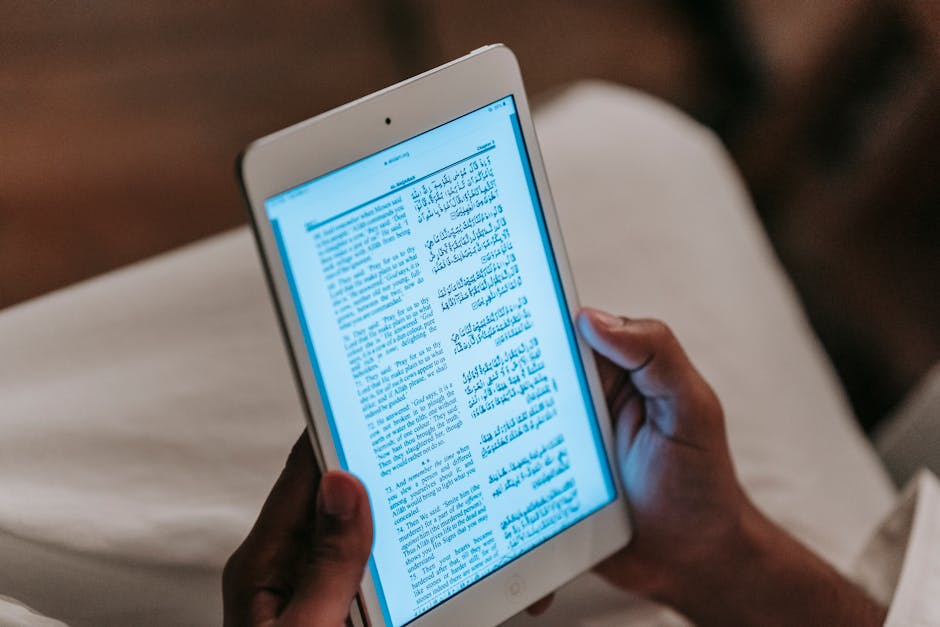

Making an eBook is easier than it sounds, but there are some key steps you need to follow to get it right. The process involves planning your content, writing and structuring it, formatting it properly, and then converting it into a digital format that readers can access on tablets, phones, and e-readers. Let's break this down into manageable pieces so you can create an eBook that actually looks polished and professional.
Start With a Clear Strategy and Plan
Before you write a single word, you need to know what your eBook is actually for. Are you launching it as a lead magnet for your email list? Positioning yourself as an expert in your field? Selling it as a standalone product? Your answer shapes everything that comes next.
Next, define your audience. Who are you writing for? What problem does your eBook solve for them? What do they already know, and what do they need to learn? This clarity keeps your writing focused and makes your eBook useful instead of rambling.
Then pick your niche or topic. The narrower, the better. "How to Run a Coffee Shop" is too broad. "How to Set Up a Profitable Coffee Shop Loyalty Program" is specific enough to attract the right readers and establish your credibility in a particular area.
Plan Your Structure and Outline
A solid outline is the backbone of any eBook. Start by listing the main sections or chapters you want to cover. Each chapter should tackle one key idea or problem.
A typical eBook structure includes a title page, an introduction that hooks the reader, 3 to 8 main chapters (depending on length), and a conclusion or call-to-action at the end. You might also want to add a table of contents so readers can jump to sections they care about.
Within each chapter, use clear headings and subheadings to break up text. Readers scan eBooks; they don't read every word. Headings help them find what they need quickly.
Write Your Content With Your Audience in Mind
Now comes the actual writing. If you're an expert in your field, you already have the knowledge to back up what you're saying. Write in a conversational tone, as if you're explaining the topic to a friend. Avoid jargon unless your audience specifically expects it.
Keep paragraphs short. One to three sentences is plenty. People reading on screens get tired fast, so white space and short bursts of information feel less overwhelming.
Share practical tips, examples, and actionable advice. Readers want to know what to do, not just what to think. If you're writing about customer retention, don't just explain why it matters. Give them specific tactics they can implement tomorrow.
If writing isn't your strength or you don't have time to polish your draft, consider bringing in professional writing support to help structure your ideas and refine your tone. Many authors find this step saves time and produces a stronger final product.
Format Your eBook for Maximum Readability
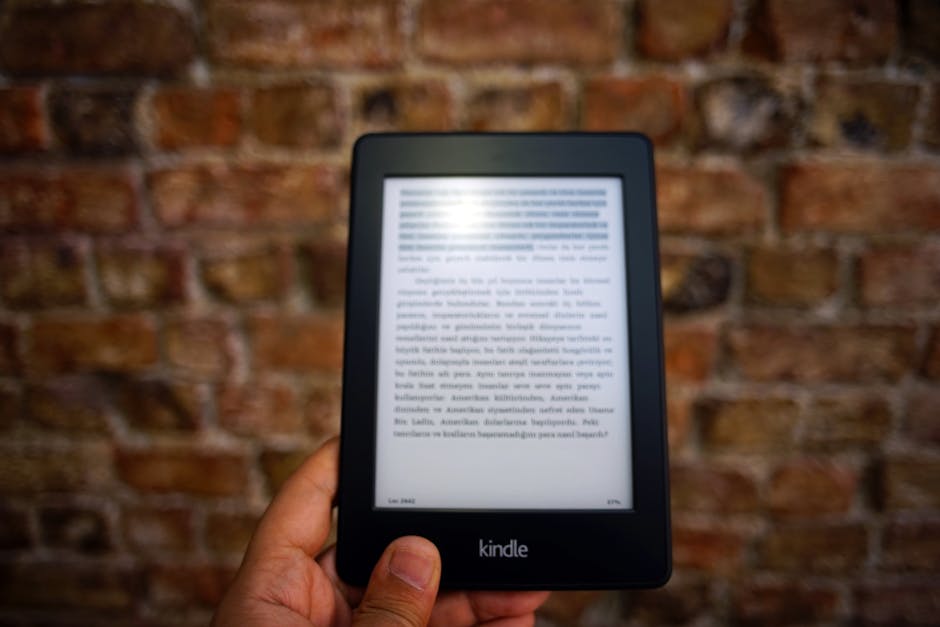
This is where most DIY eBooks fall apart. Proper formatting isn't optional; it's critical to how your eBook actually looks and feels when someone opens it.
Start with typography basics. Use a clean, easy-to-read font like Calibri, Arial, or Garamond. Set your body text to 11 or 12 point size. Make sure your headings stand out visually from the body text, either through size, color, or both.
Create consistent spacing between paragraphs and sections. Line spacing should be 1.5 or double-spaced for readability. Margins should give your text room to breathe.
Format your chapter titles and section headings so they're visually distinct. Add a cover page with your title and author name. Include page numbers and a table of contents that links to sections (if you're publishing a digital format).
If you're not confident in your design skills, Xcel Graphic Services specializes in eBook conversion and can handle the formatting details so your content shines across every device and platform.

Choose Your File Format and Convert Your eBook
The format you choose depends on where your eBook will live. PDF works on everything but doesn't reflow text on small screens. EPUB and MOBI formats are better for e-readers because they adapt to different screen sizes and font preferences.
If you're publishing through a platform like Amazon Kindle, you'll need to convert your Word document or PDF into their preferred format. If you're selling directly on your website, PDF might be fine. Some authors create both formats so readers can choose.
The conversion process can get technical. You'll need to ensure your formatting survives the transition, that images stay in place, and that your table of contents works correctly in the digital version. This is exactly the kind of work that publishing professionals handle daily. Xcel Graphic Services offers eBook conversion services that take the guesswork out of this step and guarantee your file works smoothly across platforms.
Proofread and Polish Before Publishing
Before you hit publish, read through your entire eBook at least twice. First pass: check for typos, grammar, and spelling errors. Second pass: make sure your tone is consistent, your examples make sense, and your advice is actually useful.
Better yet, have someone else read it. A fresh set of eyes will catch mistakes you've missed and spot confusing sections you thought were clear.
Pay special attention to your formatting one more time. Do chapter headings align properly? Are images in the right spots? Does your table of contents link correctly? One small formatting mistake can look sloppy to readers.
Publish and Promote Your eBook

Once your eBook is ready, decide where it lives. You can host it on your website, sell it through platforms like Amazon, distribute it through your email newsletter, or use it as a free download to build your audience.
Create a landing page that explains what the eBook covers and why someone should care. Write a compelling description that highlights the value readers will get. Use clear calls-to-action so people know how to access it.
Share it with your audience through email, social media, and your professional networks. If it's truly useful, people will share it too.
People Also Ask
What's the difference between an eBook and a whitepaper?
Both are long-form content, but they serve different purposes. An eBook is broader, more accessible, and designed to educate or entertain a general audience. A whitepaper is typically more technical, focused on solving a specific business problem, and often gated behind an email signup. Choose an eBook when you want to establish authority and build your audience. Use a whitepaper when you're trying to influence a specific decision or address a niche professional audience.
How long should an eBook be?
There's no magic number, but most eBooks range from 5,000 to 30,000 words. A short guide might be 5,000 to 8,000 words. A comprehensive resource could be 15,000 to 25,000 words. Aim for long enough to be genuinely useful and short enough to feel achievable to complete. Quality matters more than word count.
Related: How to Get a Book Published: Step-by-Step Guide
Related: How to Create an eBook: A Complete Guide
Can I make an eBook without design software?
Yes. You can write your eBook in Microsoft Word or Google Docs and convert it to PDF or another format afterward. However, the file might need some cleanup and formatting adjustments during conversion. If your eBook includes images, sidebars, or complex layouts, design software makes the process smoother. Many authors start in Word and then bring in a professional to handle the design and conversion step.
How do I make sure my eBook looks good on every device?
Use responsive formatting techniques if you're publishing in EPUB or MOBI formats. These formats reflow text based on screen size, so readers can adjust font size and margins to their preference. For PDFs, design with a fixed page size in mind. Test your final file on multiple devices (phone, tablet, e-reader, desktop) before publishing. Better yet, let a publishing professional handle the conversion. Xcel Graphic Services ensures your eBook displays beautifully across all platforms and maintains your intended design and readability no matter where it's opened.
Frequently Asked Questions
What's the difference between an eBook and a whitepaper?
Both are long-form content, but they serve different purposes. An eBook is broader, more accessible, and designed to educate or entertain a general audience. A whitepaper is typically more technical, focused on solving a specific business problem, and often gated behind an email signup. Choose an eBook when you want to establish authority and build your audience. Use a whitepaper when you're trying to influence a specific decision or address a niche professional audience.
How long should an eBook be?
There's no magic number, but most eBooks range from 5,000 to 30,000 words. A short guide might be 5,000 to 8,000 words. A comprehensive resource could be 15,000 to 25,000 words. Aim for long enough to be genuinely useful and short enough to feel achievable to complete. Quality matters more than word count.
Can I make an eBook without design software?
Yes. You can write your eBook in Microsoft Word or Google Docs and convert it to PDF or another format afterward. However, the file might need some cleanup and formatting adjustments during conversion. If your eBook includes images, sidebars, or complex layouts, design software makes the process smoother. Many authors start in Word and then bring in a professional to handle the design and conversion step.
How do I make sure my eBook looks good on every device?
Use responsive formatting techniques if you're publishing in EPUB or MOBI formats. These formats reflow text based on screen size, so readers can adjust font size and margins to their preference. For PDFs, design with a fixed page size in mind. Test your final file on multiple devices (phone, tablet, e-reader, desktop) before publishing. Better yet, let a publishing professional handle the conversion. Xcel Graphic Services ensures your eBook displays beautifully across all platforms and maintains your intended design and readability no matter where it's opened.